
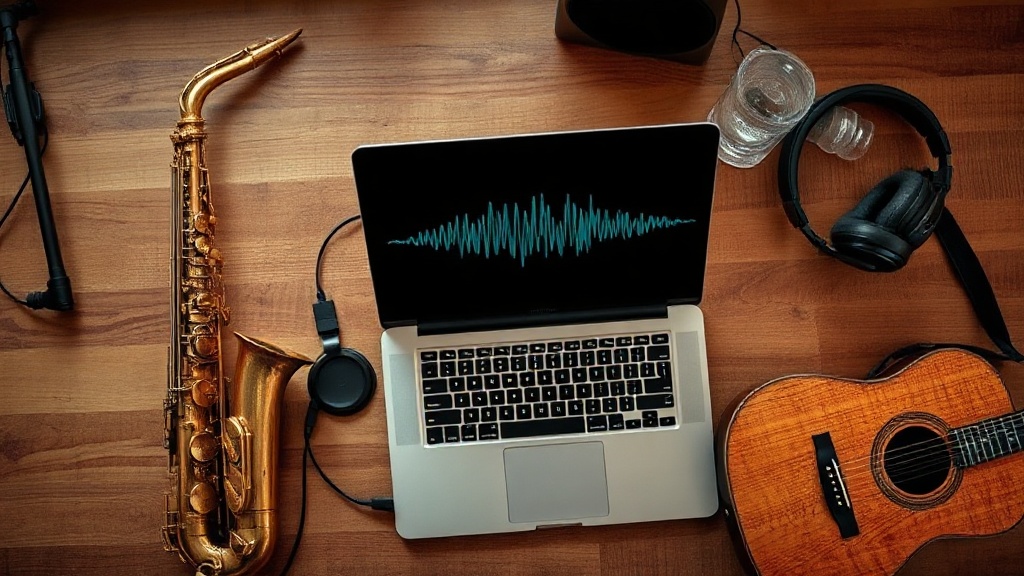
Almost everyone can hum a tune they could never actually play — the riff stuck in your head on the drive home, the string line you can sing but not score. That's not a lack of talent; hearing music and performing it are just two different skills, and most of us only have the first.
Voice to instrument bridges them. Hum or sing a melody, pick an instrument, and an AI re-performs it as a real saxophone, cello, or guitar — about a minute later you have a studio-quality take. No MIDI editor, no notation, no theory. This guide walks through exactly how it works and how to get the best results.
What "voice to instrument" actually means
Voice to instrument is a way of converting a recorded vocal melody — humming, singing, or whistling — into the sound of a real instrument. Rather than just transcribing your notes, the model re-performs your melody with the timbre, articulation, and feel of an actual instrument.
The practical upshot: the melody is yours, but the performance sounds like a saxophone, a grand piano, an electric guitar, or any of 100+ instruments — without you touching one. It runs in your browser; there's nothing to install.
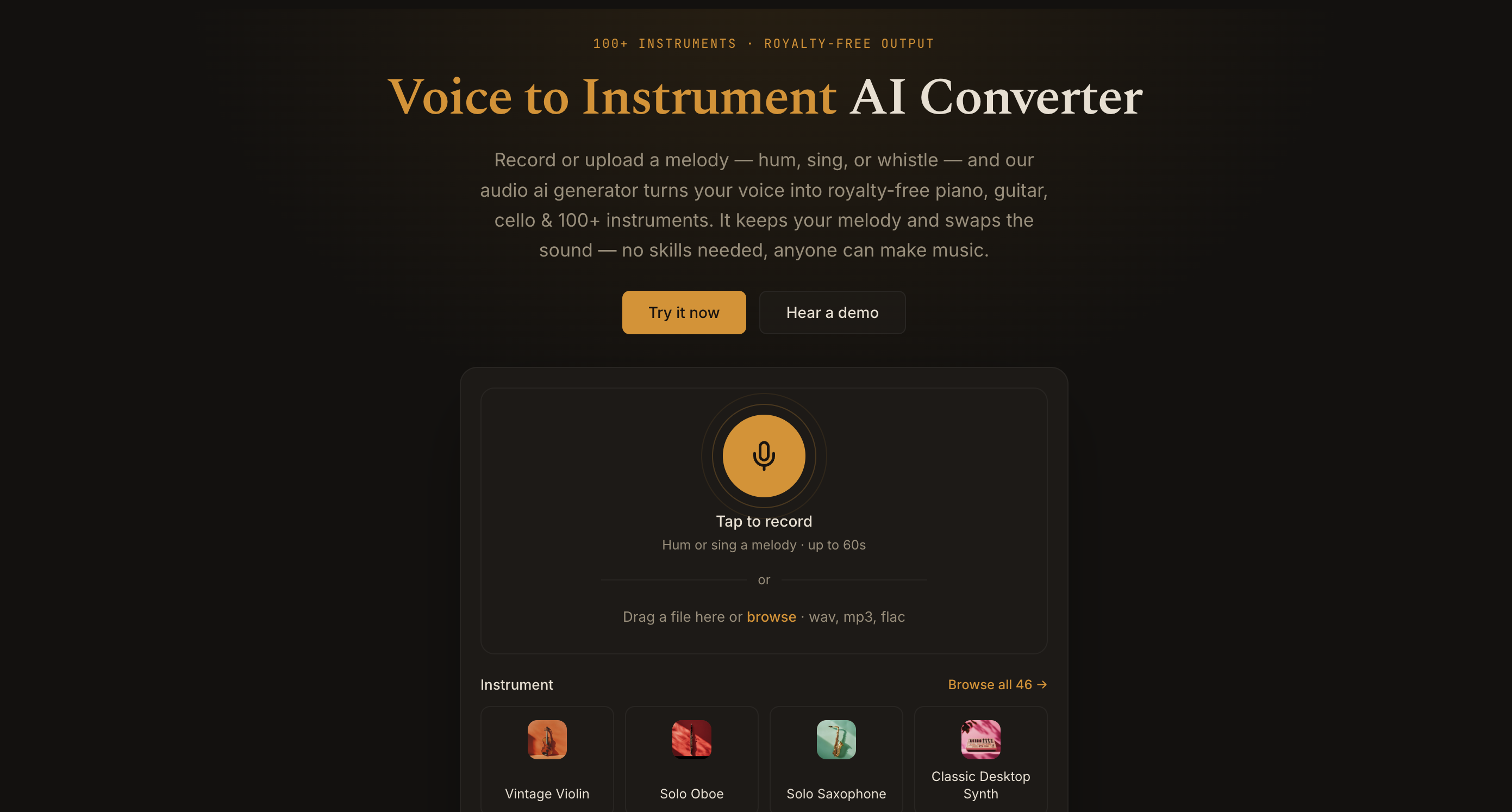
How to turn your voice into an instrument in 3 steps
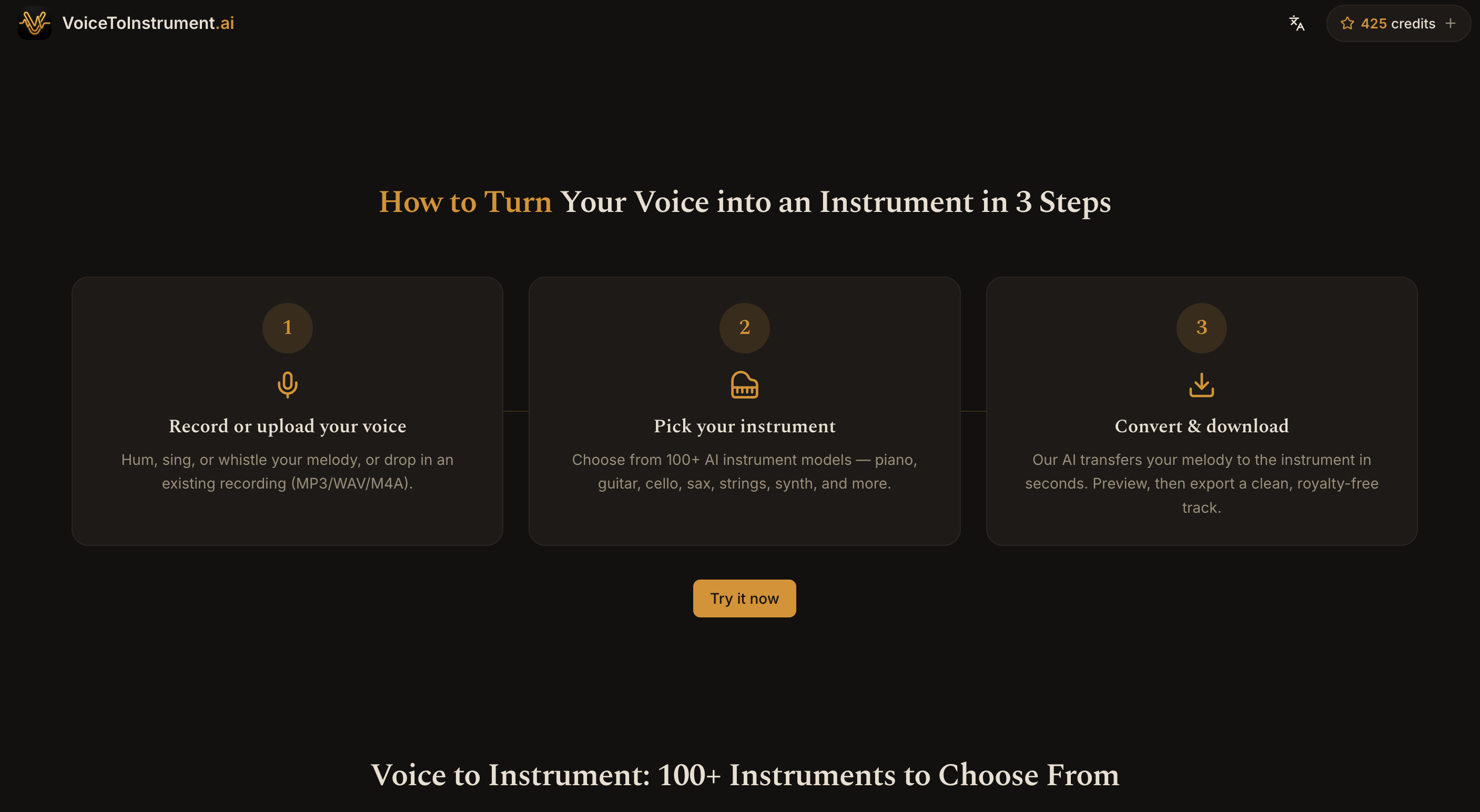
1. Record or upload your melody
Hum, sing, or whistle the line right in your browser, or upload an existing audio file (MP3, WAV, and other common formats). Keep it to a single melodic line — one note at a time — rather than chords.
2. Pick an instrument
Choose the voice you want from the instrument library — brass, strings, keys, woodwinds, guitars, synths, and more. Most instruments have a preview clip, so you can hear the character before you commit.
3. Convert & download
The AI re-performs your melody on the chosen instrument in seconds. Preview it on the timeline, adjust conversion strength or pitch if you like, then export a studio-quality, royalty-free track.
What you can make with it
- Demos and songwriting — sketch a horn line or string part by singing it, before you ever open a notation app.
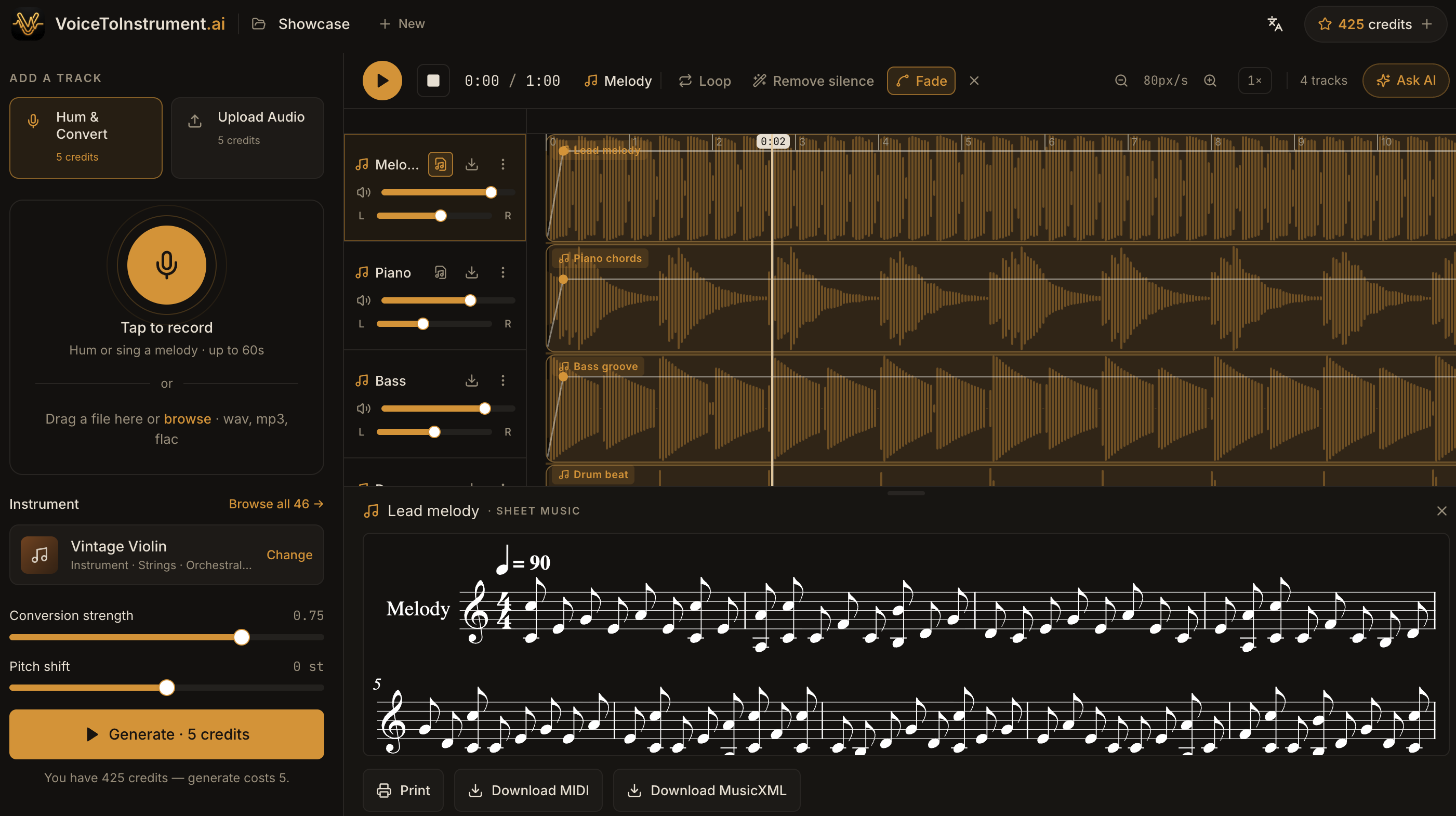
- Full arrangements — stack multiple converted takes on the multi-track timeline: hum a bassline, a lead, and a pad, and build the parts up one voice at a time.
- Content and video — generate original, royalty-free instrument audio for reels, podcasts, and ads.
- Learning and play — hear what your melody sounds like on instruments you don't (yet) play.
You also get the score: MIDI, MusicXML & sheet music
Voice to instrument isn't just audio. Once your melody is converted, you can view it as sheet music and export it as MIDI or MusicXML — so the same hummed idea becomes a playable part you can drop into any DAW or notation software, or hand to a musician to read.
That's the difference from old "hum to MIDI" tools: instead of leaving you to edit raw note data, you get a real instrument performance and the underlying score — your phrasing and timing preserved, ready to use either way.
Tips for the cleanest results
- Sing one note at a time. Monophonic melodies convert far more cleanly than chords or harmonies.
- Keep pitch steady. Hold notes confidently; wobbly or uncertain pitch carries through to the performance.
- Record somewhere quiet. Background noise and room echo can confuse the melody detection.
- Match the instrument's range. A melody sung very low sounds more natural on a cello than a flute, and vice-versa.
- Keep takes short. Convert a phrase at a time — it's faster to iterate and easier to fix one section.
Frequently asked questions
Do I need to know music theory? No. If you can hum or sing a melody, you can use it. There's no notation or MIDI editing required.
What instruments can I choose from? 100+ real instruments across brass, strings, keys, woodwinds, guitars, synths, and more — saxophone, guitar, violin, piano, trumpet, and others.
Can I export MIDI or sheet music? Yes. Alongside the audio, you can view the melody as sheet music and download it as MIDI or MusicXML.
Can I use the tracks commercially? Yes — exported tracks are royalty-free, so you can use them in your own projects, videos, and releases.
Is it an app I have to install? No — it runs entirely in your browser. Record or upload, convert, and download from any computer.
Ready to hear your melody on a real instrument?
Hum the tune, pick an instrument, and download the take. Try voice to instrument AI and turn your melody into a real instrument in under a minute.
Ready to hear your melody on a real instrument?
Upload your voice and let AI transform it into professional instrument sounds — in seconds.
Try it free →Was this helpful?